EU-GDPR Ready?! Our servers are located in Germany. Datacenter with ISO 27001 Cert (Info)

Highly available cloud for your valuable files

With our highly available Nextcloud on our Ceph storage cluster with triple replication across 3 data centers in Germany, we achieve an availability of 99.999999999%
oCloud.de has been offering ownCloud and Nextcloud hosting for more than 10 years and operates more than 12,000 independent cloud instances with about 100,000 users.

For each user account you receive 500 GB of storage space. Additional storage space of up to 100 TB as well as an unlimited number of further users can be added at any time. In addition, you can edit your documents online with Collabora – also as a team (see below).

Nextcloud puts your data at your fingertips, under your control

Store your documents, calendar, contacts and photos on our HA cloud in German data centers.

Through Nextcloud you also access, sync and share your data.
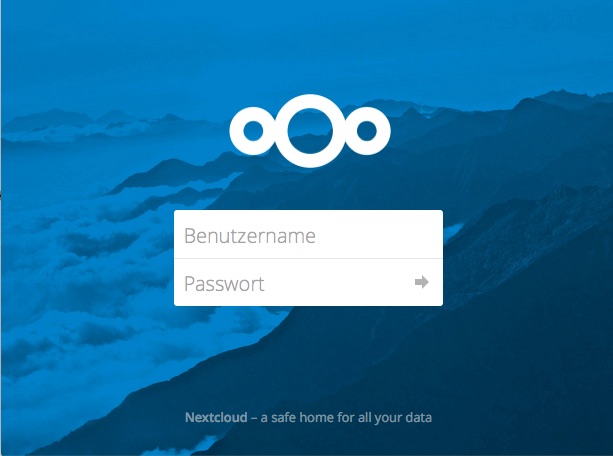
Highly available cloud for your valuable files

File access and sharing

Nextcloud gives you access to all your files wherever you are and whatever device you use.

The easy web interface allows you to share files with other users on your server, to create and send password protected public links, to let others upload files to your cloud and to get notifications on your phone and desktop when a user on another cloud server shares files directly with you. And you can do all these things from the desktop or mobile clients, too.

Features:

  • Tag and comment on files, and see tags and comments by others
  • See what is happening on your Nextcloud in the Activity feed
  • Previous versions of files you modified are retained and can be brought back. Deleted files can be found in the trash.
  • Share photo galleries
  • Share public links read-only or with editing capabilities
  • Anonymous upload hides existing files, providing just an upload target
  • Optionally put a password or expiration date on public link shares
  • Share directly to users on other Nextcloud, ownCloud, oCloud or Pydio servers ("federation")

Mobile and desktop clients

Nextcloud clients for Android, iOS and desktop systems allow you to sync and share files, in a fully secure way through an encrypted connection. The mobile clients feature automatic upload of pictures and videos you take and can synchronize select files and folders. The clients can handle multiple accounts, show all activity happening on your server and notify you of new events such as the availability of new shares.

While not all clients support all features yet, here is a non-exhaustive list of what you can do today:

  • Perform file operations such as rename, delete and move
  • Show previews of documents, photos and videos and choose between list and grid view
  • Mark files as favourites to keep them in sync with the server and available offline
  • Upload pictures taken with your phone's camera automatically
  • Share files directly with users on your Nextcloud, with other cloud servers or via public link
  • Get notified of shares or other events
  • Show all activity related to your files

Calendar and Contacts

The Nextcloud Calendar and Contacts apps allow you to store, sync and share your plans and contacts. You can share with users or groups on your server or sync the calendar or contacts with your devices and access them wherever you are.

The Calendar and Contacts app feature:

  • Easy to use interface
  • Private and shared calendars and addressbooks with permissions management
  • CalDAV and CardDAV sync with third party clients both on mobile and desktop (i.e with Thunderbird)

... with more security

through our triple replication of the data across 3 different data centers

  • Two Factor Authentification
  • Anti-brute-force protection

Collabora document editing

Create text documents, spreadsheets and presentations online

  • Create and edit online
  • Text documents
  • Spreadsheets
  • Presentations
  • Work together on one document
  • Export as PDF or Word

Copyright: photos and texts partly nextcloud.com

Nextcloud Demo

User Account

Username
user
Password
demo123